
Assets manager
Drop in images, videos, and brand logos via svgl.
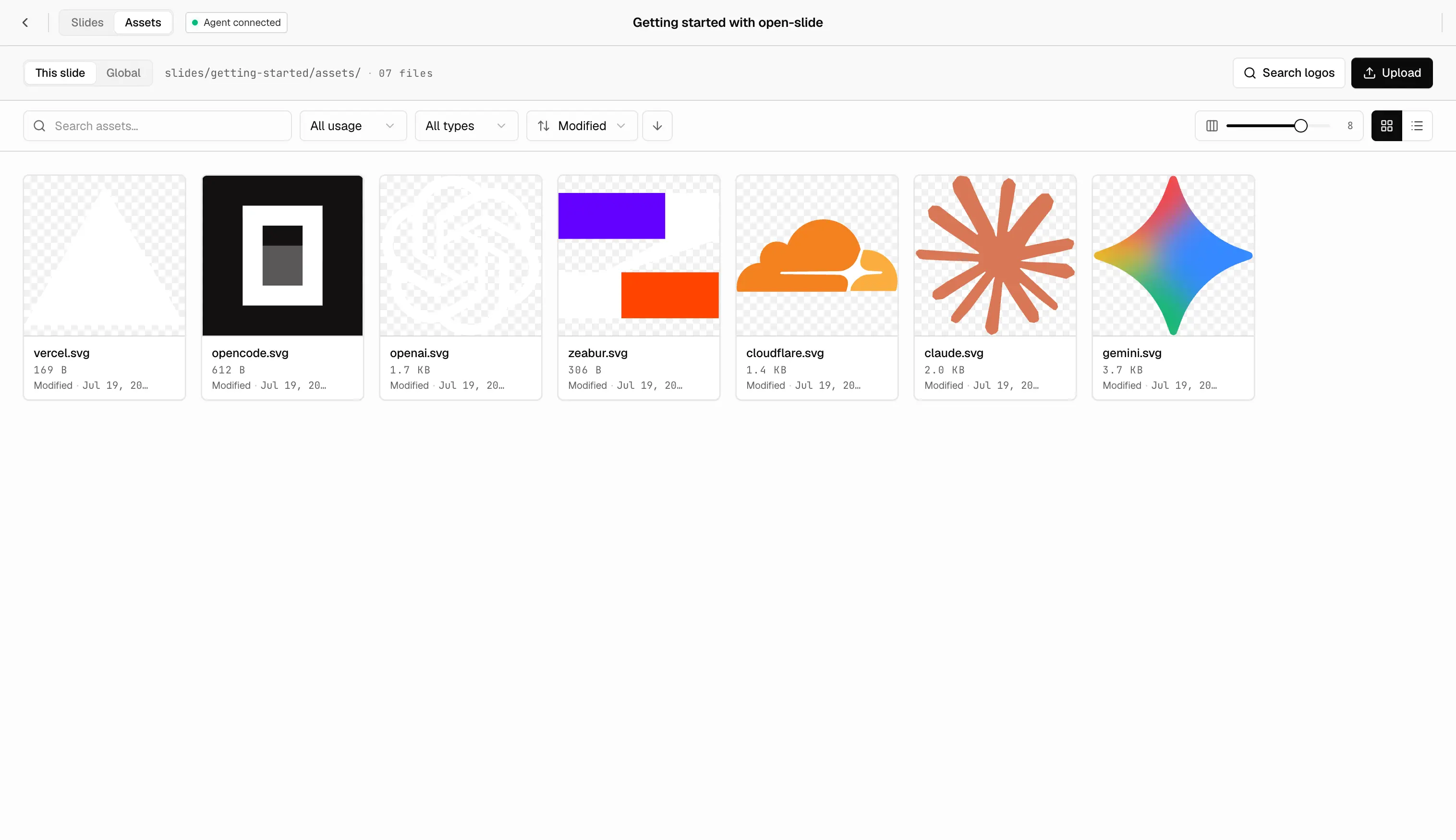
Assets come in two scopes:
- Slide-local — one-off files only used by a single deck. They live next to the deck that uses them and are imported with a relative path.
- Global — files reused across decks or themes (company logos, presenter
avatars, recurring icons). They live in a top-level
assets/folder and are imported through the@assets/*Vite alias.
project-root/
├── assets/                  # global — shared across decks
│   ├── acme.svg
│   └── avatar.png
└── slides/
    └── q2-launch/
        ├── index.tsx
        └── assets/          # slide-local — only this deck
            ├── cover.png
            ├── chart.svg
            └── intro.mp4
import cover from './assets/cover.png'; // slide-local
import chart from './assets/chart.svg'; // slide-local
import logo from '@assets/acme.svg'; // global
const Cover = () => (
<>
<img src={cover} alt="" />
<img src={logo} alt="" />
</>
);Both paths run through Vite's normal asset pipeline — files get hashed and
emitted on build like any other import.
In-browser asset manager
The dev server has an Assets panel with a Slide / Global scope toggle at the top:
- Slide scope reads and writes
slides/<id>/assets/. - Global scope reads and writes the project root
assets/folder.
Drag files in to upload them. Rename and replace from the same pane the
inspector uses to swap an element's src — the Replace picker carries the
same scope toggle, and the rewritten import uses ./assets/... or
@assets/... to match the source.
The home sidebar also exposes the global manager directly: click Assets
under Themes to open the locked-global view at /assets.
svgl logo search
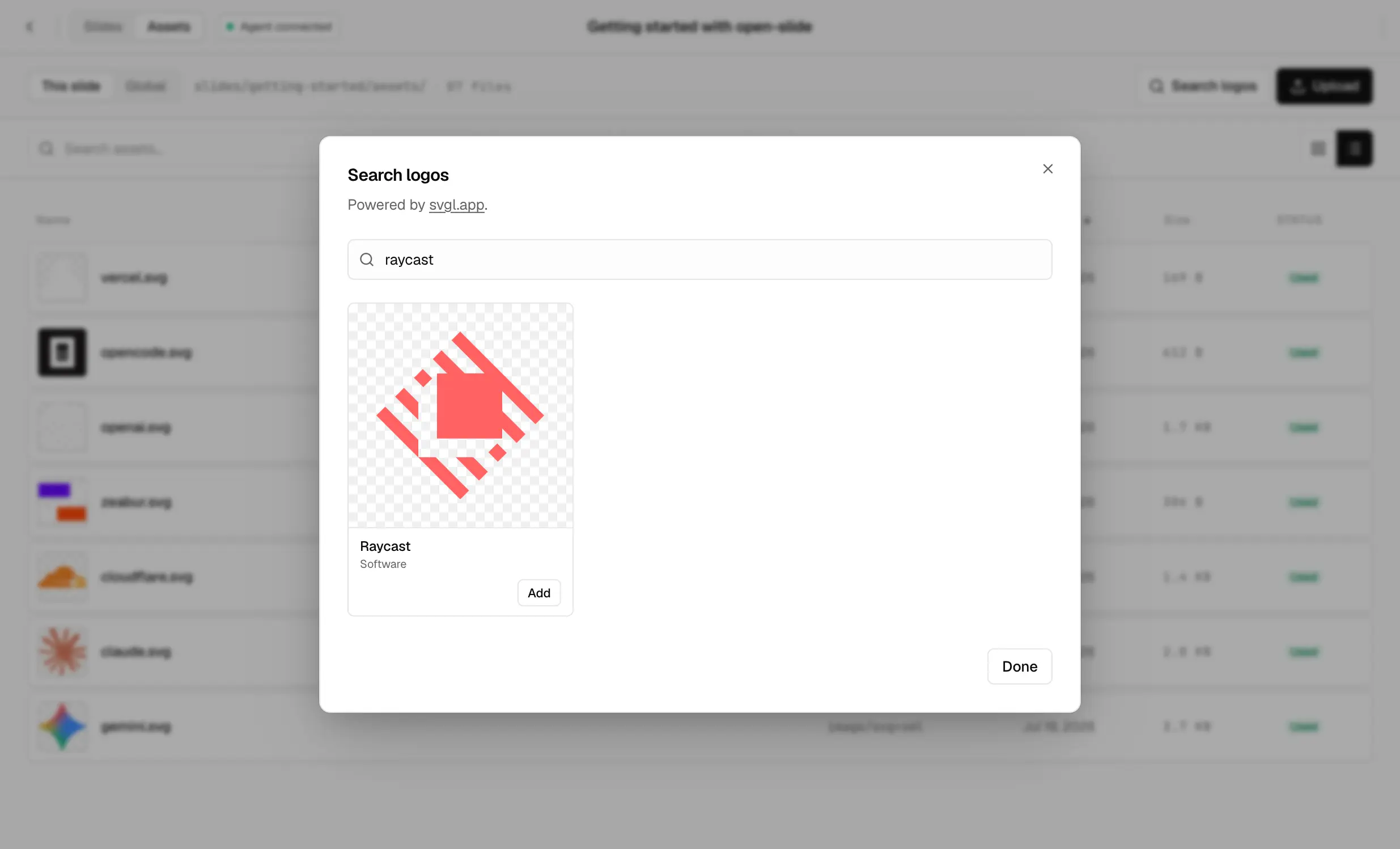
Need a brand logo? The Assets panel has an svgl search powered by
svgl.app. Search, pick, drop — the SVG lands in whichever
scope is active (slide-local or global) and you can import it immediately.