
Assets
Drop in images, videos, and brand logos via svgl.
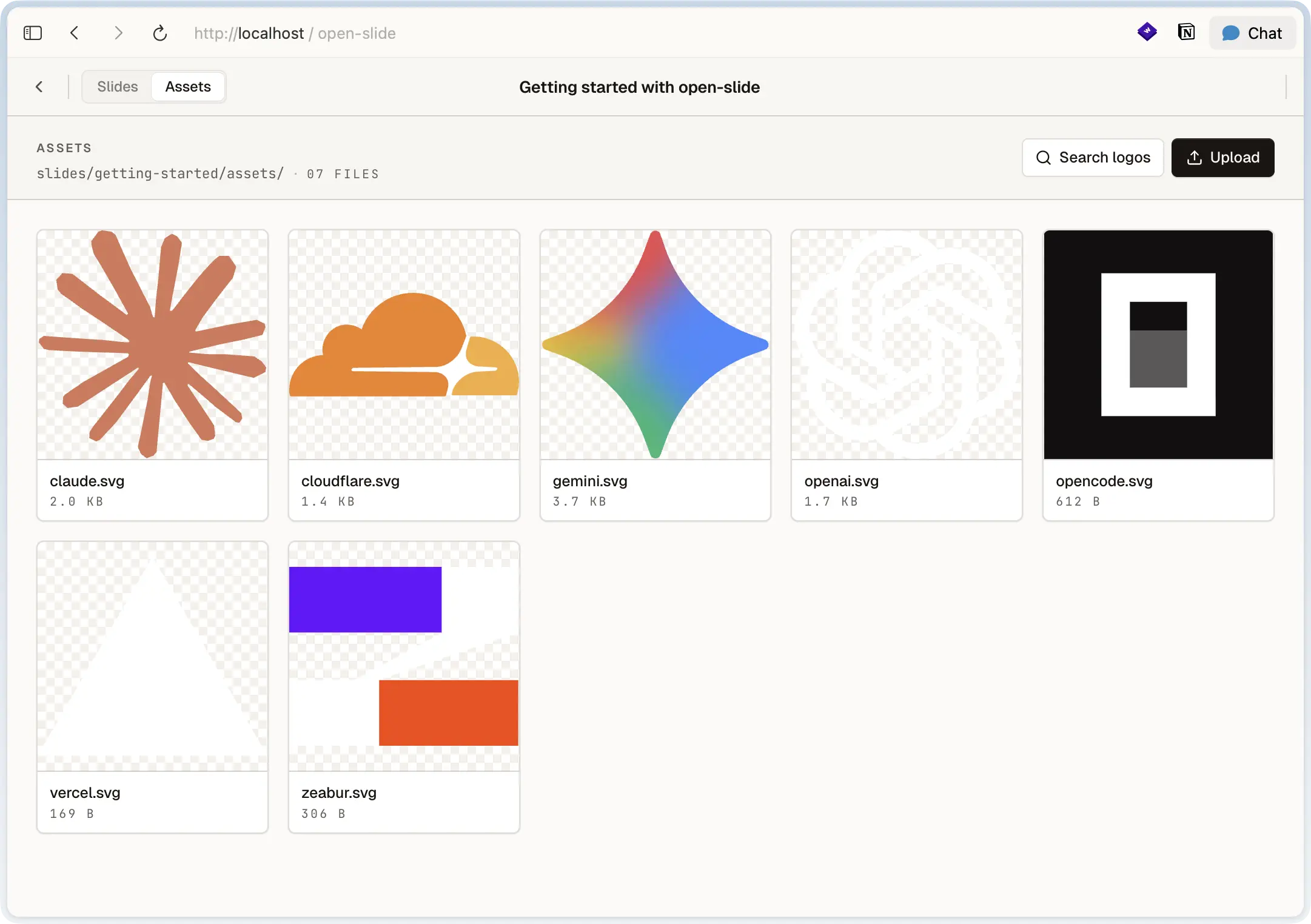
Assets live next to the deck that uses them. The import path is the same
spelling you'd use anywhere else — Vite resolves it to a hashed URL.
slides/
└── q2-launch/
    ├── index.tsx
    └── assets/
        ├── cover.png
        ├── chart.svg
        └── intro.mp4
import cover from './assets/cover.png';
import chart from './assets/chart.svg';
const Cover = () => <img src={cover} alt="" />;In-browser asset manager
The dev server has an Assets panel:
- Drag files in to upload them straight into
slides/<id>/assets/. - Rename and replace from the same pane the inspector uses to swap an
element's
src.
svgl logo search
Need a brand logo? The Assets panel has an svgl search powered by
svgl.app. Search, pick, drop — the SVG lands in the
deck's assets folder and you can import it immediately.
Cross-bundler URL handling
Vite (the dev server) returns asset imports as URL strings. Other bundlers
return an object like { src, width, height }. If you want a slide to render
under both, normalise once:
type AssetImport = string | { src: string };
const url = (a: AssetImport): string => (typeof a === 'string' ? a : a.src);